It's been a couple years since Instagram switched to TikTok's style of algorithmic feed on the home page. Not that I ever had a healthy relationship with it, but I felt a lot more agency when I had to intentionally click into the explore tab to plug into the infinite information machine. The old 'friend-focused' chronological feed is still there though, titled 'Following', but you can't set it as the default feed -- so every time you open the site you see some weapons-grade distraction material and hope you have the willpower to reply to that DM or find that thing you were looking for.
If you're running Instagram in your browser, here's a userscript to automatically route you to the chronological feed:
// ==UserScript==
// @name         Instagram → Following Feed
// @namespace    http://tampermonkey.net/
// @version      1.1
// @description  Redirect Instagram home to the Following feed variant, even on in-app navigation
// @match        https://www.instagram.com/*
// @run-at       document-start
// @grant        none
// ==/UserScript==

(function () {
  'use strict';

  function redirectIfHome() {
    if (
      location.pathname === '/' &&
      !location.search.includes('variant=following')
    ) {
      location.replace('https://www.instagram.com/?variant=following');
    }
  }

  // Run on initial load
  redirectIfHome();

  // Patch pushState/replaceState so we catch Instagram's client-side navigation
  const origPushState = history.pushState;
  const origReplaceState = history.replaceState;

  history.pushState = function (...args) {
    origPushState.apply(this, args);
    setTimeout(redirectIfHome, 50);
  };

  history.replaceState = function (...args) {
    origReplaceState.apply(this, args);
    setTimeout(redirectIfHome, 50);
  };

  // Also catch back/forward navigation
  window.addEventListener('popstate', () => setTimeout(redirectIfHome, 50));
})();
Safari on iOS
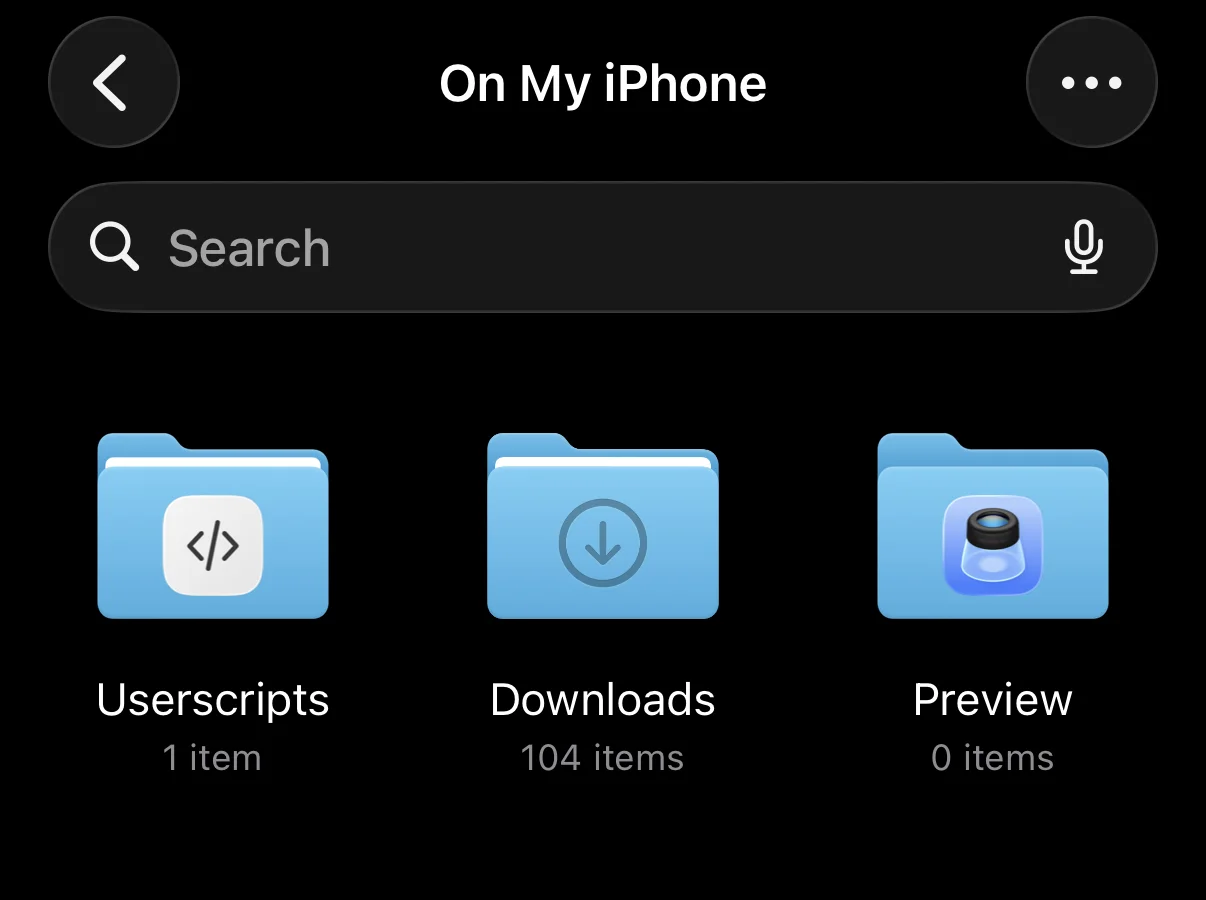
To install this on Safari on iOS you'd first need the Userscripts app. Once you've followed its instructions to enable the extension:
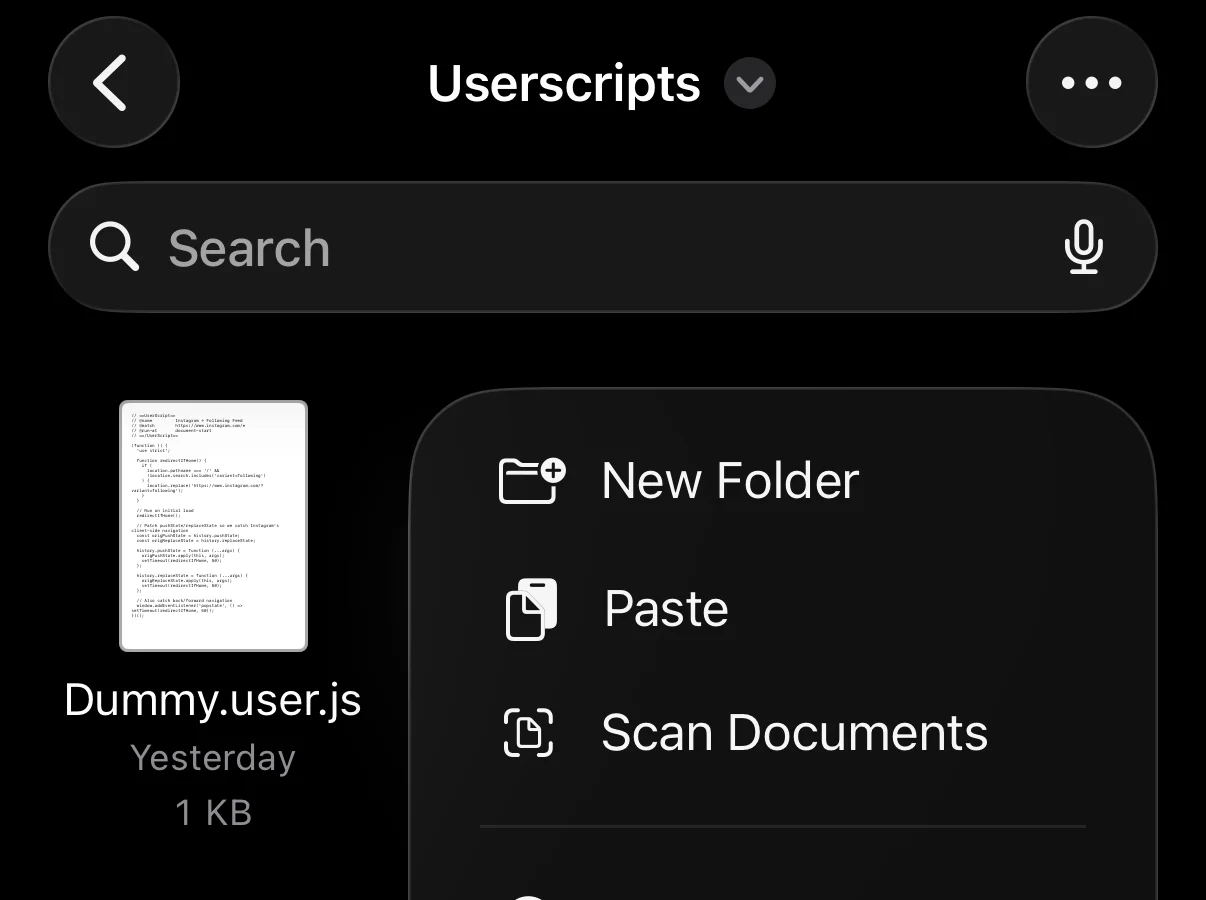
- Open the UserScripts folder in Files,
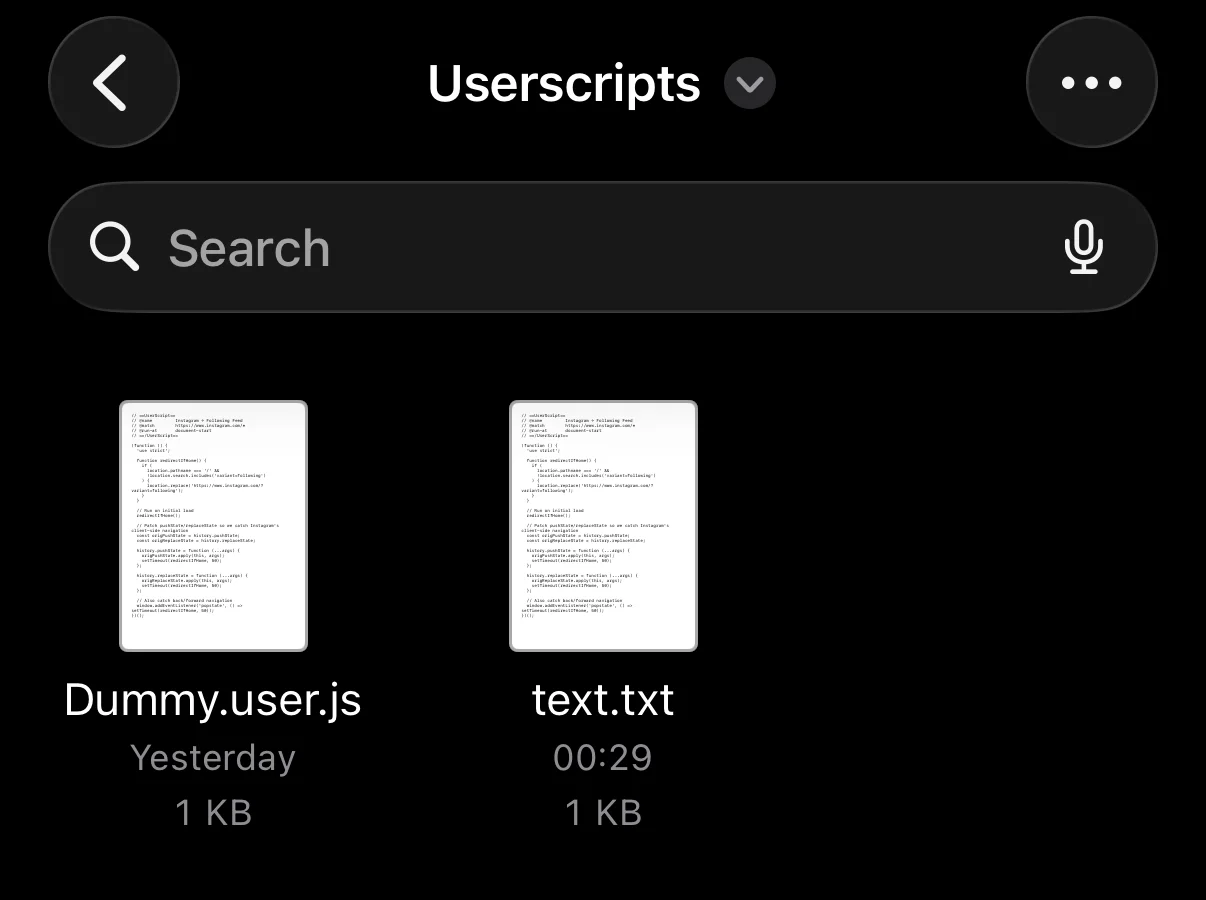
- Copy the script above and paste it into the folder
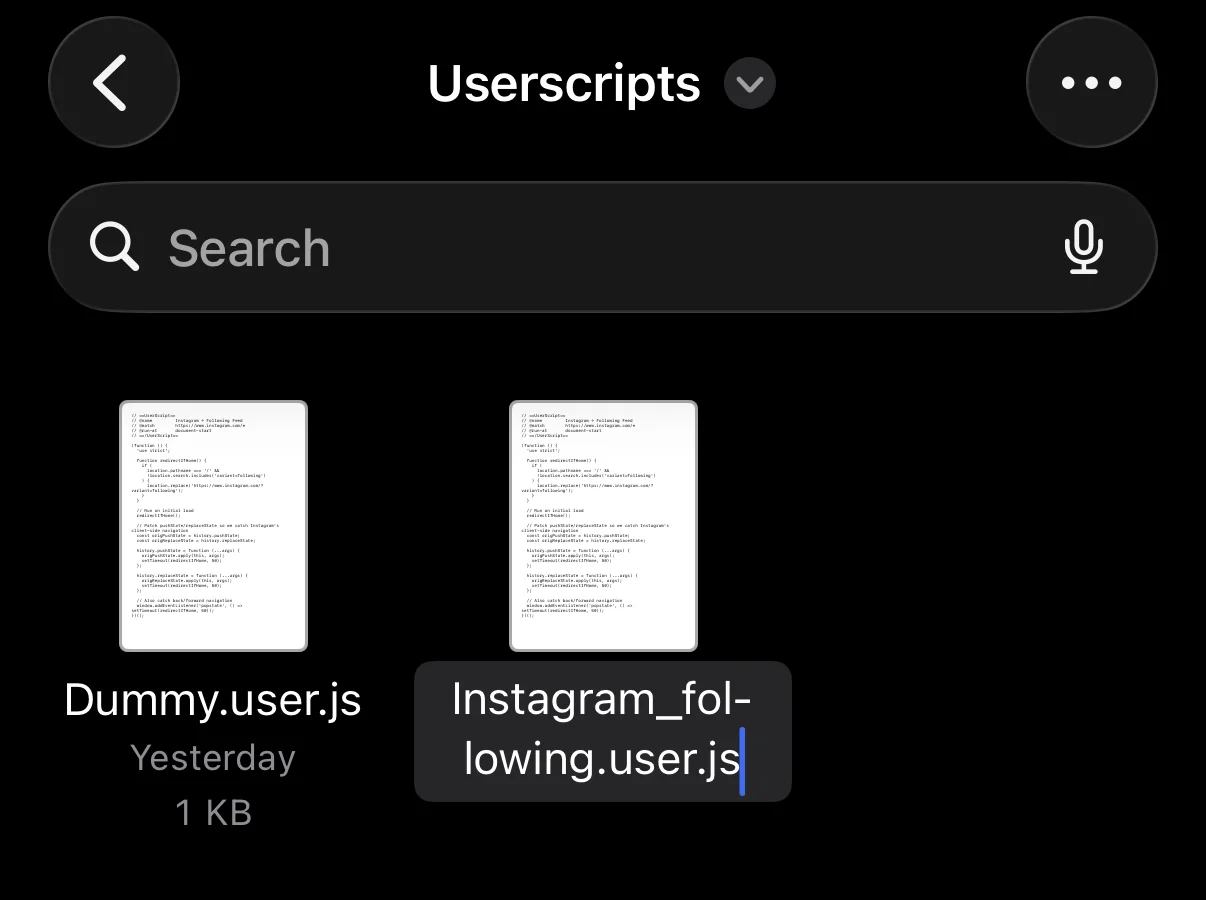
- Rename the newly created
text.textfile toinstagram_following.user.js
Voila!
Everywhere else
For Android and desktop Firefox/Chrome you do the same thing with Tampermonkey and if all else fails consider logging out and touching some grass.